








Alternatives to Windows software: the best applications for Linux
Recommendations for the best applications for Linux.
Alternatives to Adobe Photoshop, Microsoft Office, web browsers, tools, software, etc.
These recommendations can usually be installed from your application manager by searching for the application name. In my case, I use them on Manjaro Linux.
If it doesn’t appear, look for information on the application’s official website about how to install it on your Linux distribution.
TRICK: Want to find a program quickly?
Press “Ctrl + F”. Your browser’s search bar will appear. Type the software or alternative you’re looking for and you’ll jump to that application.
Design – Web – Color
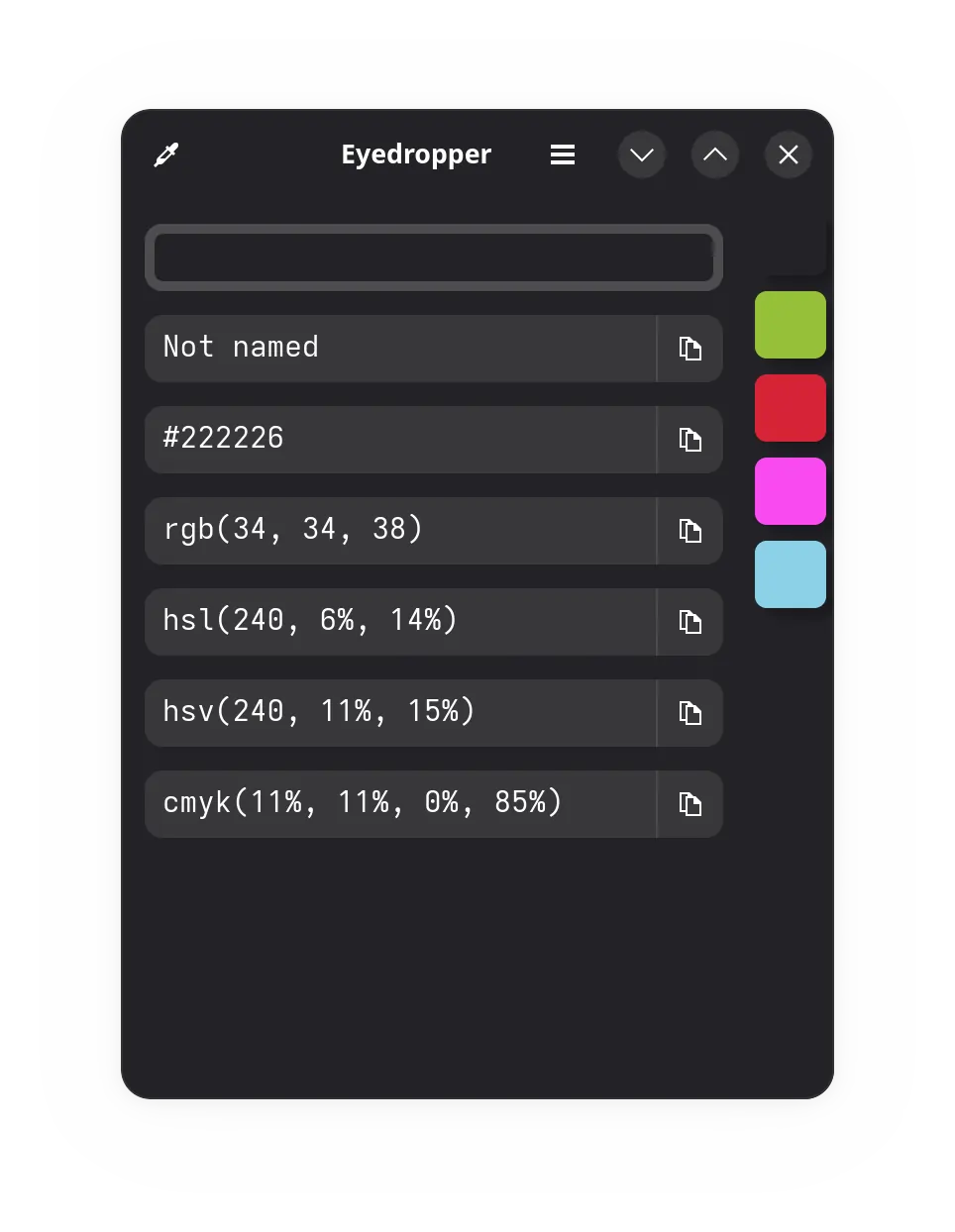
| Eyedropper | Alternative to Just Color Picker. Color picker from the screen to display it in hexadecimal. Can save a list of colors. https://apps.gnome.org/es/Eyedropper | |
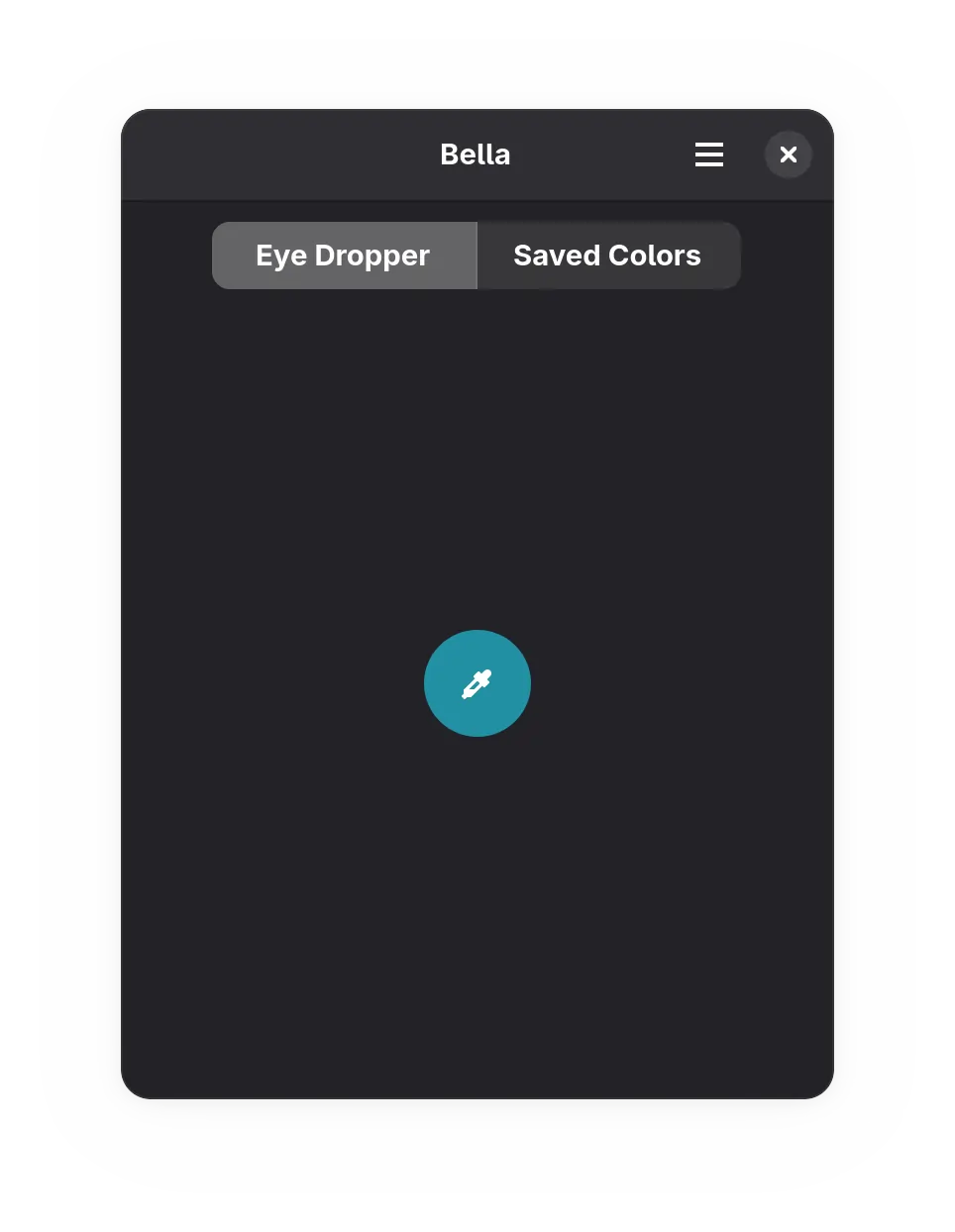
| Bella | Alternative to Just Color Picker. Color picker from the screen to display it in hexadecimal. Can save a list of colors. https://github.com/josephmawa/Bella | |
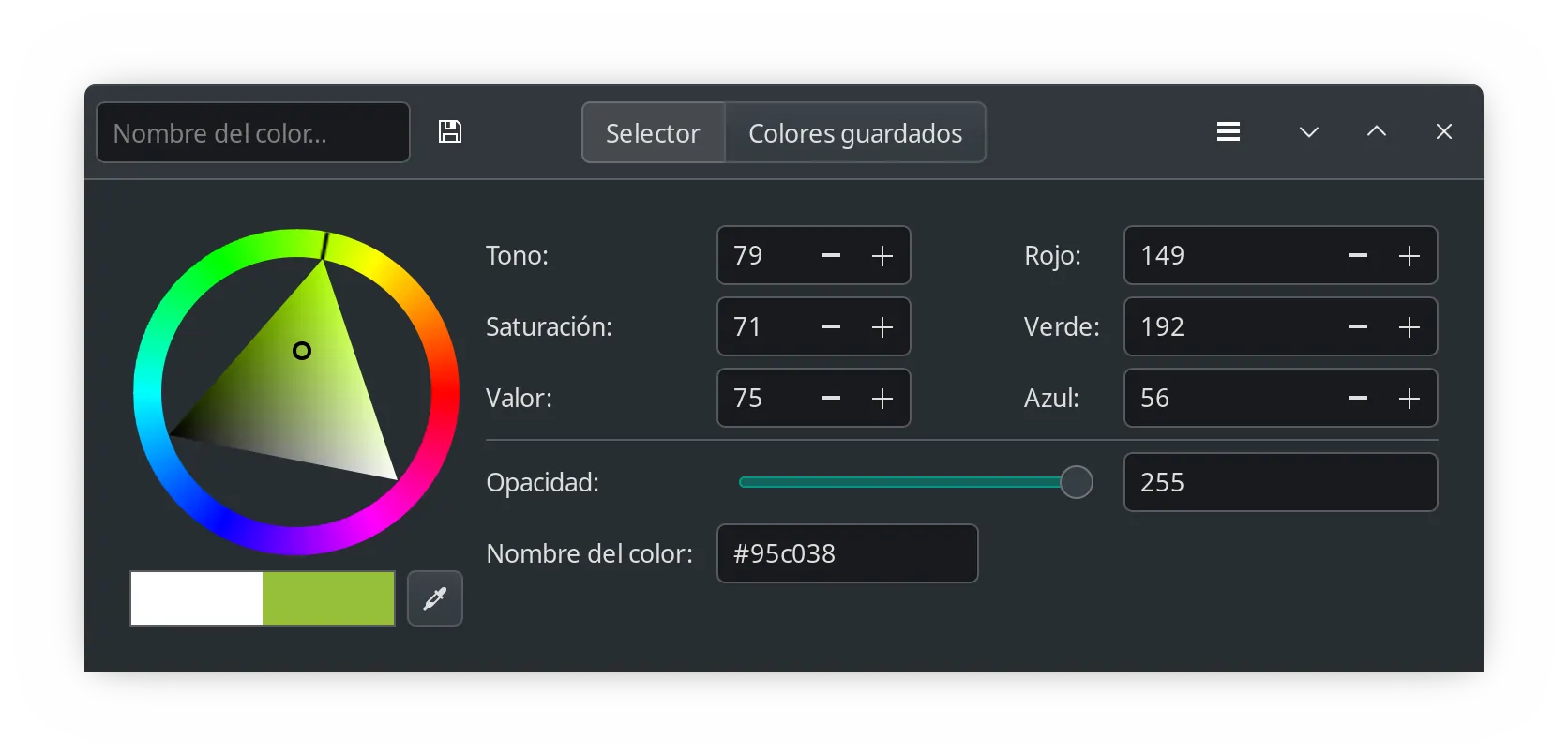
| Gcolor3 | Alternative to Just Color Picker. Color picker from the screen to display it in hexadecimal. Can save a list of colors. https://www.hjdskes.nl/projects/gcolor3 | |
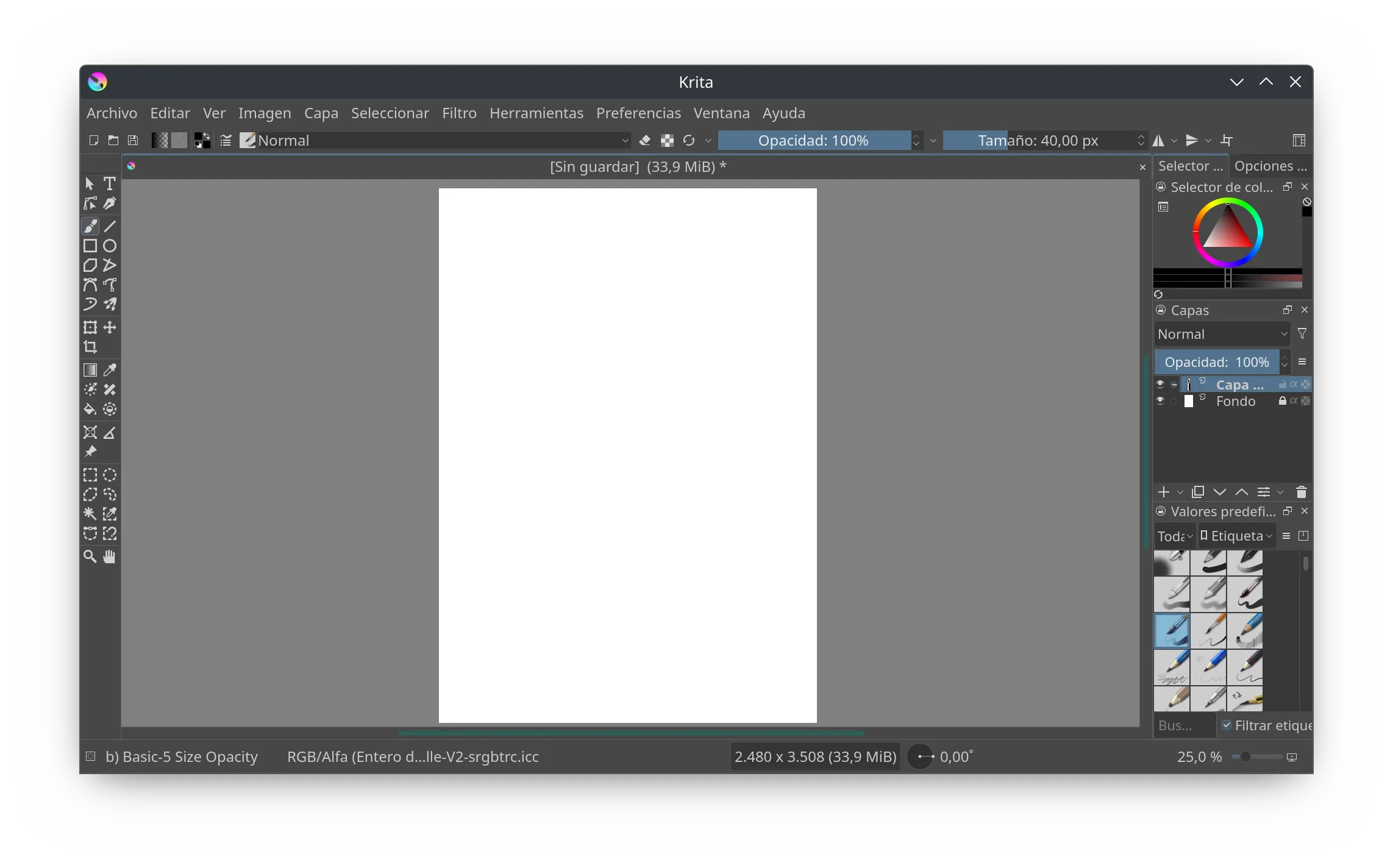
| Krita | Adobe Photoshop alternative. Image and photo editing. https://krita.org | |
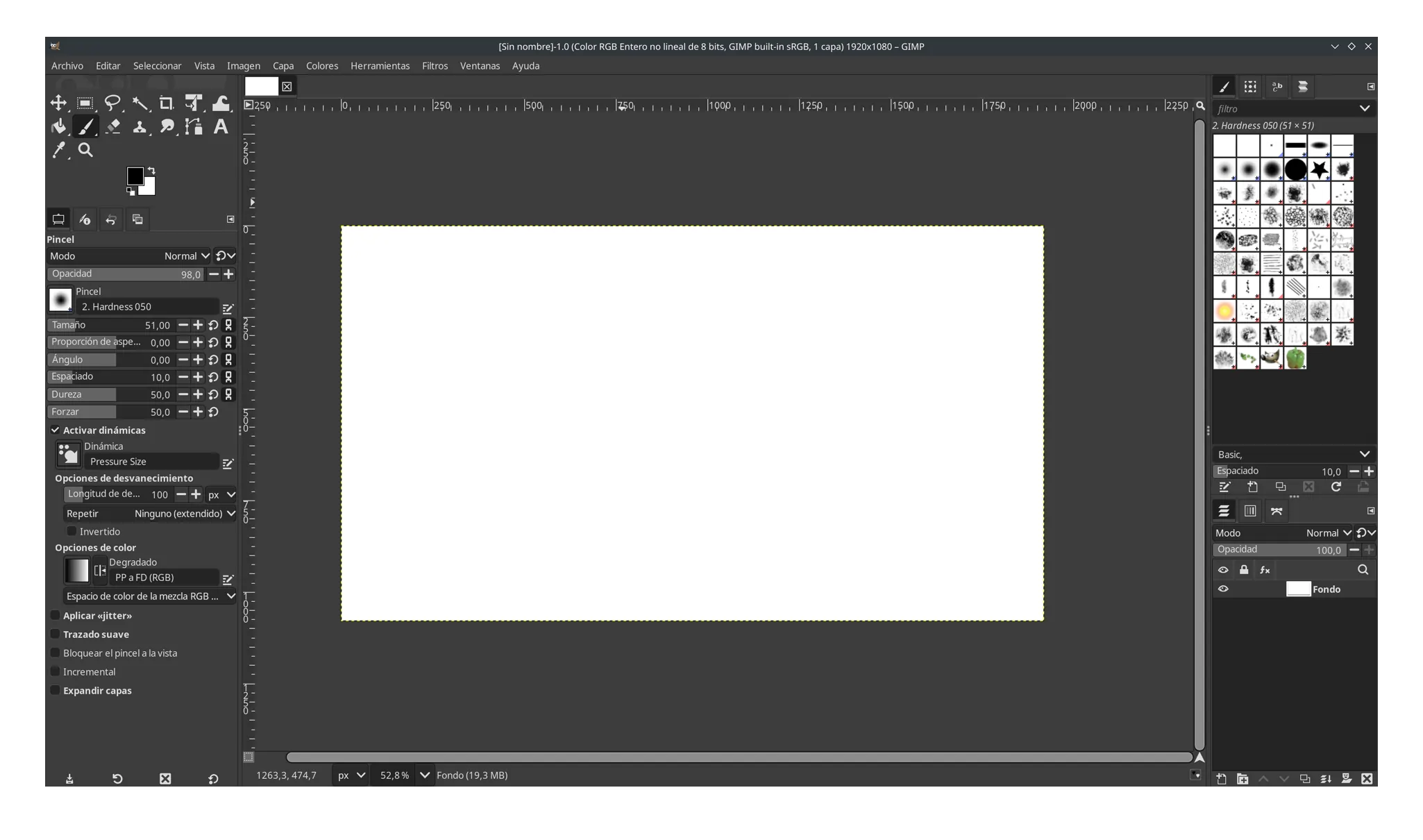
| Gimp | Adobe Photoshop alternative. Image and photo editing. https://www.gimp.org |
Tools – Utilities
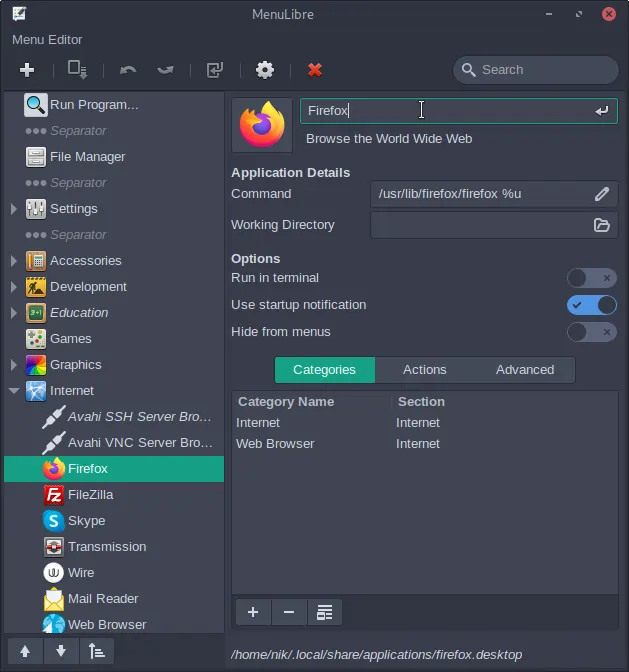
| Menulibre | ArcMenu editor for Gnome to add and organize new shortcuts to applications and folders. Installs as “Menu Editor”. https://seand.xyz/projects/menulibre | |
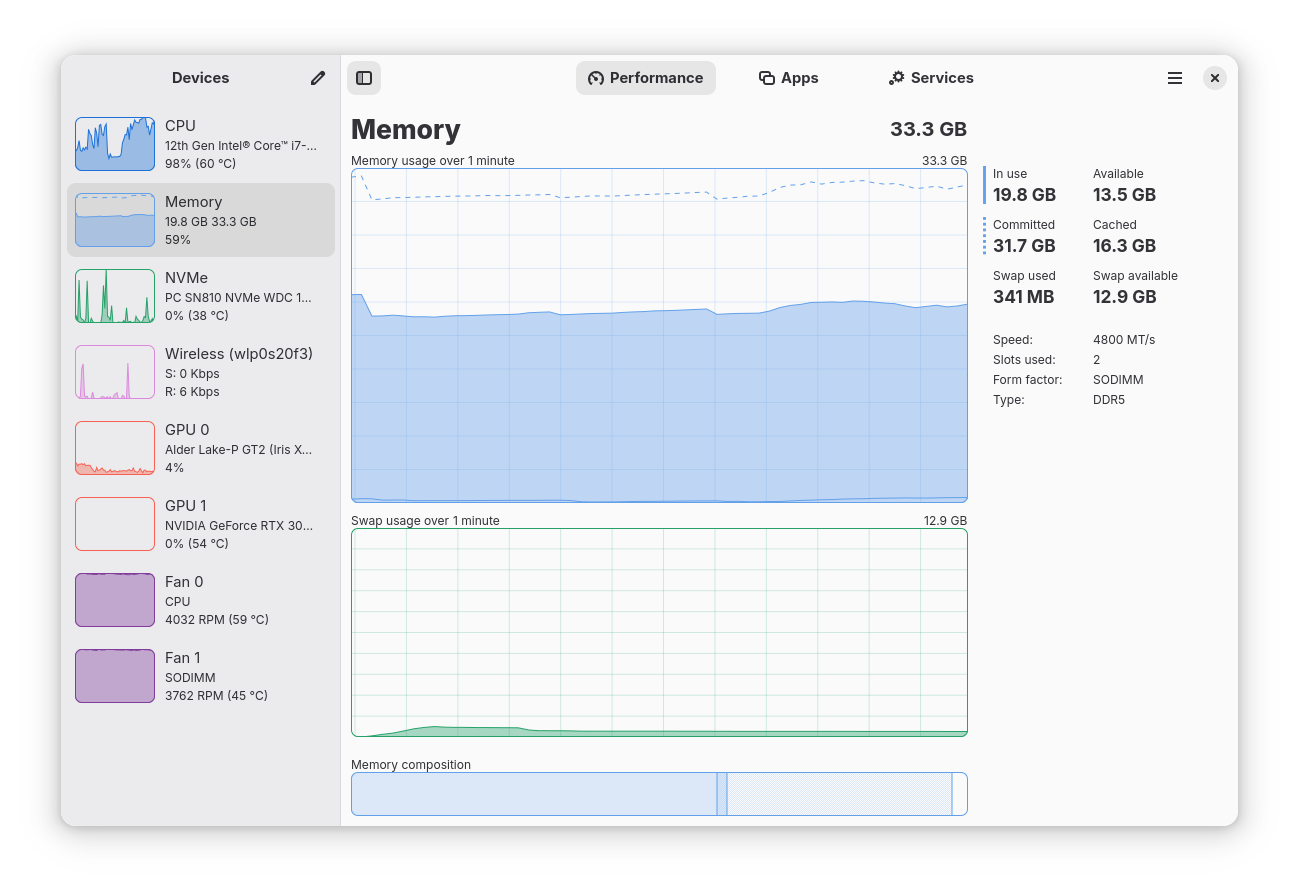
| Mission Center | System monitor for CPU, memory, disk, network and GPU usage. Windows 11 style. https://missioncenter.io |