








18 de March de 2026
I explain how to create a home page and a page to bring together blog posts, plus a customised main menu featuring both sections.
18 de March de 2026
Thanks to plugins, you can add features such as contact forms, SEO optimisation, security, and more, without needing to code. In this tutorial, you’ll learn all the ways to install a plugin in WordPress, whether from the official repository or manually using ZIP files.
18 de March de 2026
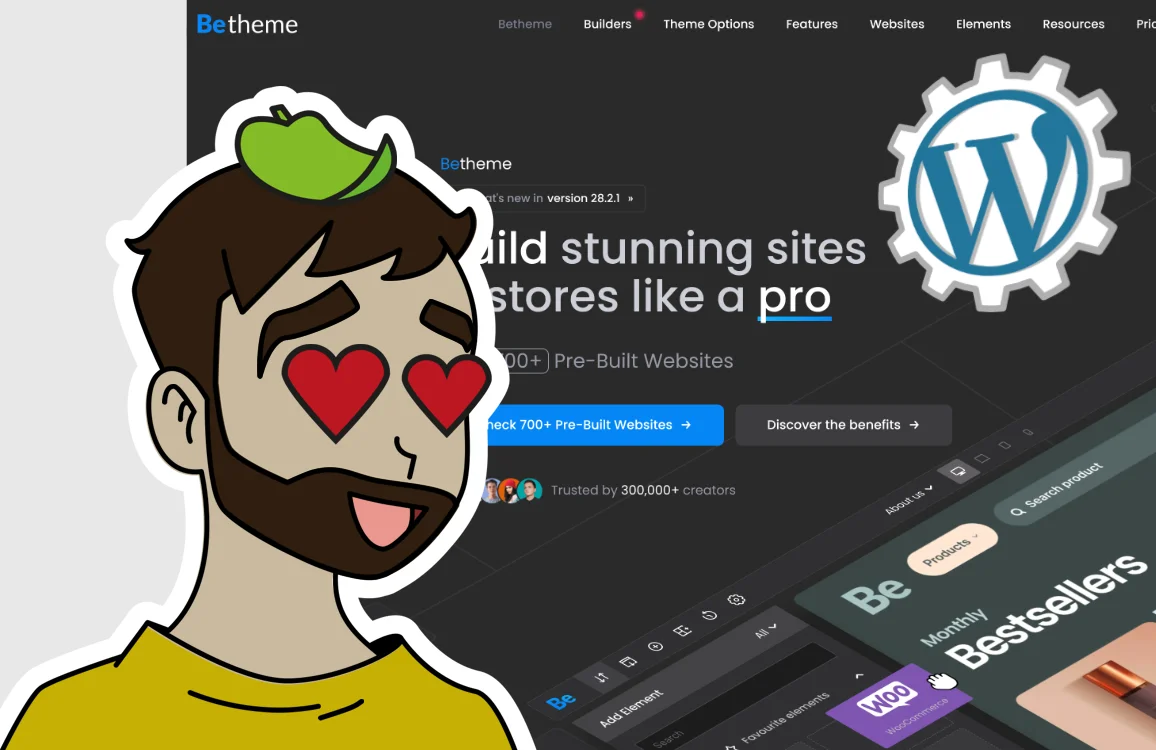
Installing a theme in WordPress is one of the first steps in customising the design and appearance of a website. WordPress allows you to install free themes, premium themes and also use child themes to make changes safely.
18 de March de 2026

The WordPress media library is a key factor in the performance and visual quality of any website. Uploading unoptimised images can slow down page loading times, affect SEO and use up more server resources than necessary.
18 de March de 2026

In this article, you’ll learn the key differences between categories and tags so you can organise your website and ensure it’s well structured. One of the most common mistakes in WordPress is not using categories and tags correctly, which leads to clutter and SEO issues.
18 de March de 2026
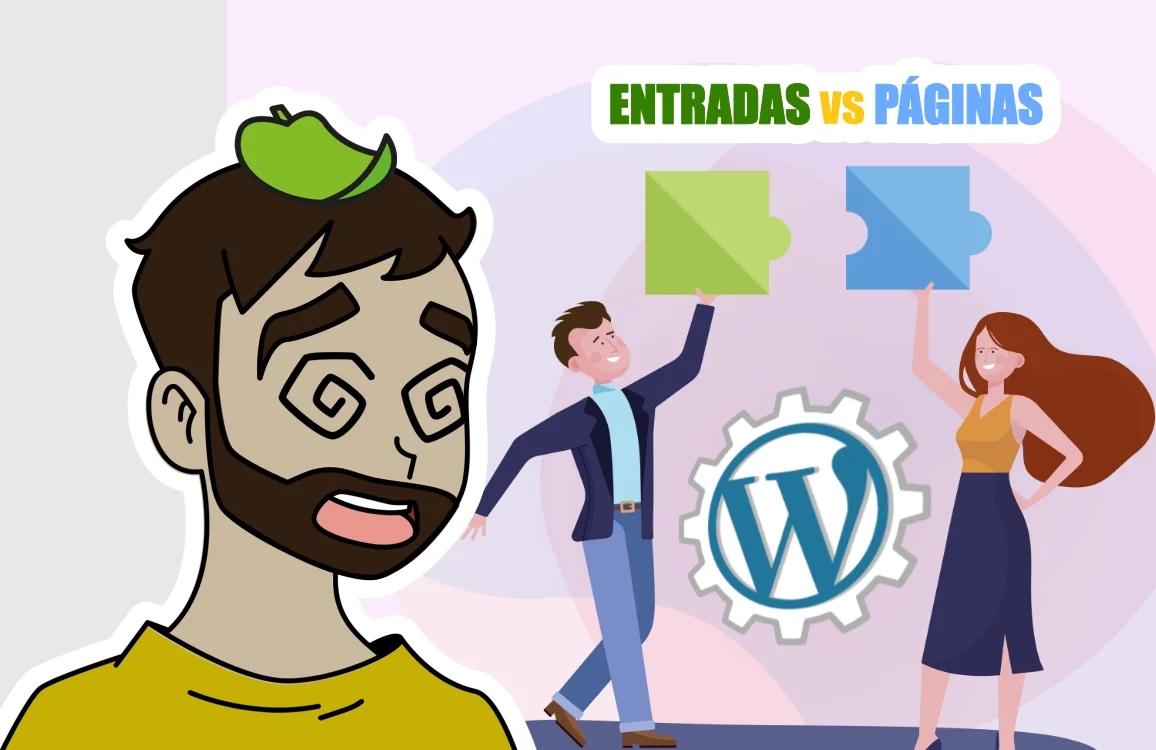
In this article, you’ll learn the key differences between posts and pages in WordPress. When should you use one or the other?
18 de March de 2026
When you install WordPress for the first time, it’s essential to spend a few minutes setting up its main settings correctly.
A good initial setup improves security, SEO and the user experience, and helps prevent future problems.
17 de March de 2026
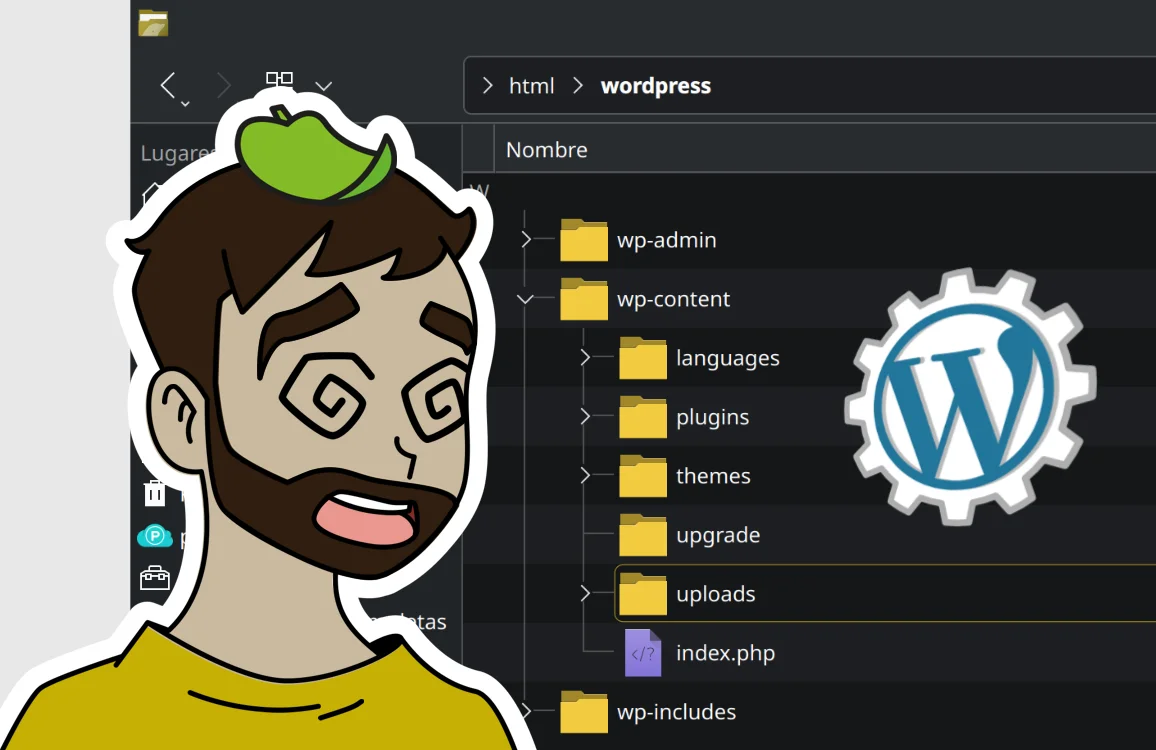
Find out how WordPress folders and files are organised and what each one is used for. A clear guide for beginners.
17 de March de 2026

Learn what each section of the WordPress dashboard is for and how to use it step by step. A quick guide for beginners.